Back to Home

    How to Use Tor with .onion Links

    Last updated: February 15, 2026

    1️⃣ What is Tor Browser?

    Tor relay circuit diagram showing encrypted nodes

    Tor Browser is a free, open-source browser that routes your internet traffic through a network of volunteer-operated relays worldwide. This makes it extremely difficult for anyone to trace your online activity back to you.

    🔑 Key Features:

    • Multi-layer encryption — your data is encrypted 3 times
    • IP masking — websites see the exit relay's IP, not yours
    • .onion access — only Tor can open .onion websites
    • Built on Firefox with anti-fingerprinting protections

    💡 Tor stands for "The Onion Router" — each relay peels away one layer of encryption, like layers of an onion.

    2️⃣ Download & Install Tor Browser

    Tor Browser download illustration

    Always download Tor Browser from the official source only. Unofficial versions may contain malware or tracking code.

    📥 Step-by-step:

    1. Visit torproject.org/download
    2. Select your operating system (Windows, macOS, Linux, or Android)
    3. Download the installer and verify the signature if possible
    4. Run the installer — no admin rights needed on most systems
    5. Launch Tor Browser and click "Connect"

    ⚠️ Never download Tor from third-party sites, app stores, or torrent links. Only trust torproject.org.

    3️⃣ Connecting to the Tor Network

    When you launch Tor Browser, you'll see a connection screen. For most users, simply clicking "Connect" is enough.

    🌐 Connection Options:

    • Direct connect — works in most countries, click "Connect"
    • Bridge mode — use if Tor is blocked in your country
    • Pluggable transports — obfs4 or Snowflake for censored networks

    💡 Connection usually takes 5–30 seconds. If it fails, try using a bridge from the settings.

    4️⃣ How to Access .onion Links

    Onion URL in browser address bar

    .onion addresses are special URLs that can only be accessed through Tor Browser. They look like long strings of random characters ending in .onion.

    📋 How to use .onion links:

    1. Copy the complete .onion address from a trusted source
    2. Open Tor Browser and paste the address into the URL bar
    3. Press Enter — the site may take 10–30 seconds to load
    4. Verify the address matches — check for typos or phishing
    5. Bookmark verified sites to avoid entering wrong addresses

    🔒 Example format: http://abc123xyz456...onion — addresses are typically 56 characters (v3 onion services).

    5️⃣ Security Settings

    Tor Browser security settings panel

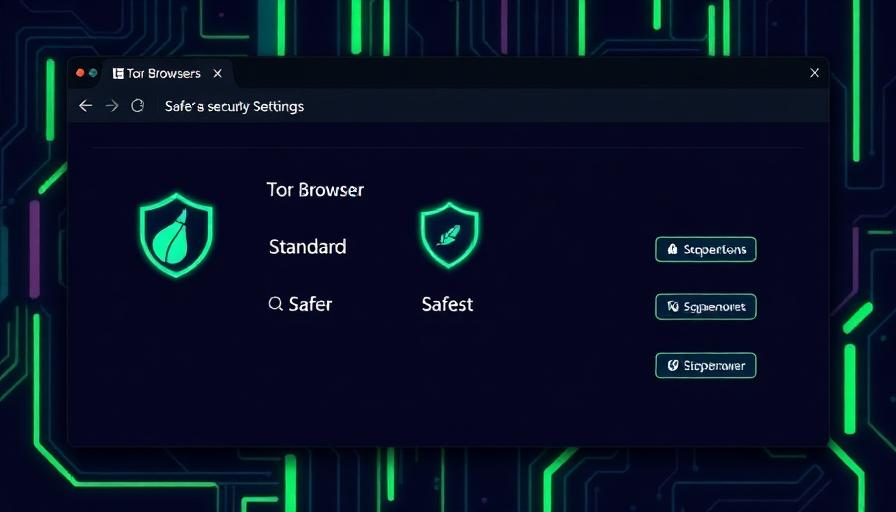
    Tor Browser has three security levels. Adjusting these affects what web features are enabled and your level of protection.

    🟢 Standard

    All features enabled. Good for general browsing.

    🟡 Safer

    JavaScript disabled on non-HTTPS sites. Recommended.

    🔴 Safest

    JavaScript fully disabled. Maximum protection.

    💡 Access security settings by clicking the shield icon next to the URL bar, then "Change..." to adjust the level.

    6️⃣ Essential Safety Rules

    Using Tor properly requires following strict operational security practices. Tor protects your connection, but careless behavior can still expose you.

    ✅ Always Do:

    • Keep Tor Browser updated to the latest version
    • Use bookmarks for verified .onion addresses
    • Verify links from multiple trusted sources
    • Use a VPN before connecting to Tor for extra privacy
    • Close the browser fully when done — it clears all data automatically

    🚫 Never Do:

    • Never maximize the browser window (aids fingerprinting)
    • Never install browser extensions or plugins
    • Never open downloaded files while still connected
    • Never use your real identity or personal accounts
    • Never enable JavaScript unless absolutely necessary

    7️⃣ Troubleshooting Common Issues

    If you encounter problems, try these solutions before assuming something is wrong.

    🔧 Common Fixes:

    • Site won't load — wait 30s, then try "New Circuit for this Site" (Ctrl+Shift+L)
    • Can't connect to Tor — try using bridges in connection settings
    • Very slow speeds — normal for Tor; avoid streaming or large downloads
    • Captcha loops — request a new circuit or try a different exit node
    • .onion not found — the site may be temporarily down; try again later

    💡 Onion services frequently go offline temporarily. If a site is down, check back in a few hours before assuming it's gone permanently.